The Topics tab: browse and find topics
On this page
The Topics tab, in the row of services, opens the site's topic directory. Browse its areas, or type some words and it suggests the topics best suited to them, each with a button that runs your words inside that topic.
#Browse the areas
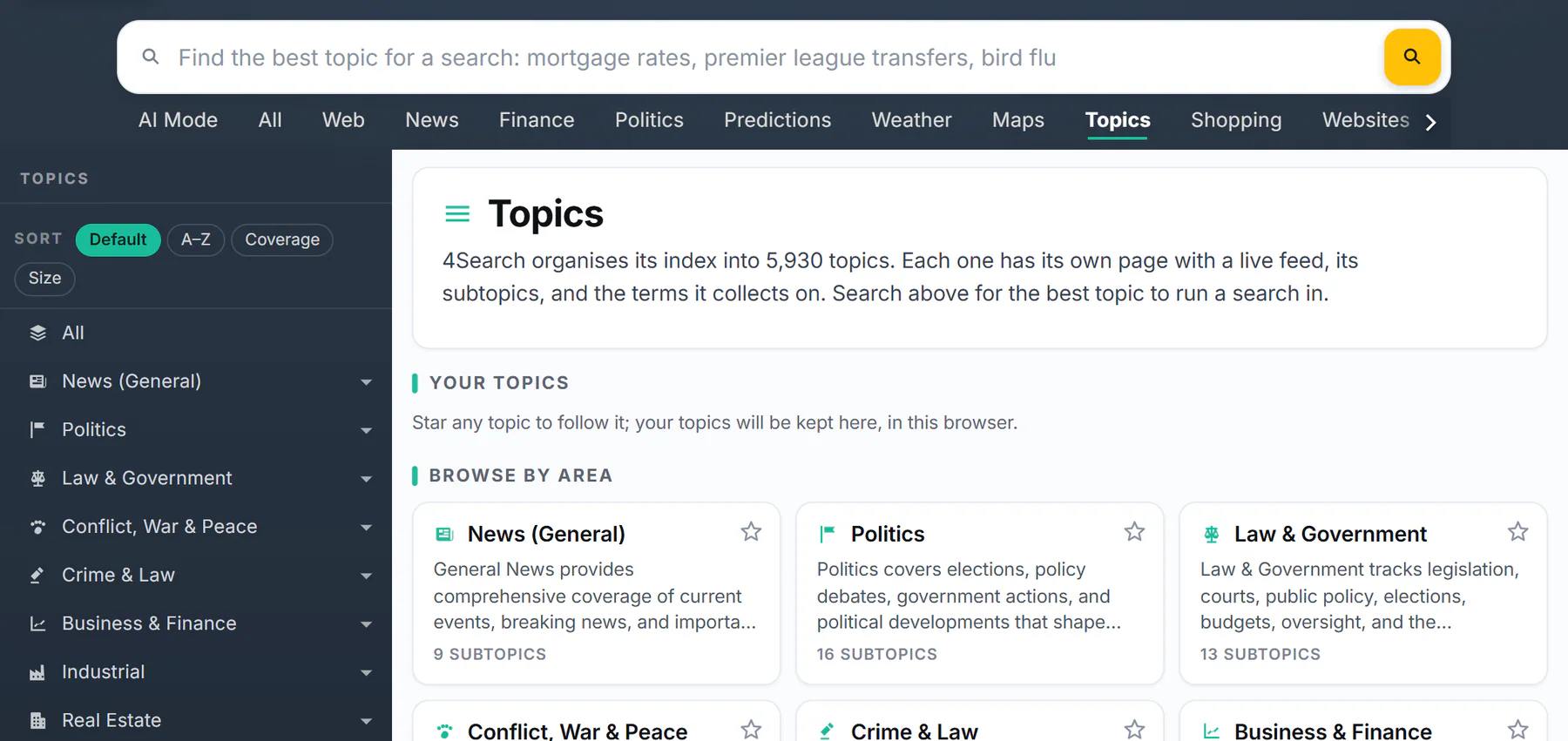
The Topics page before you search.
- 1Type what you are looking for
- 2Your topics, once you follow some
- 3A topic: its name, what it covers and its subtopics
- 4The star follows a topic
- The search box at the top finds topics (see below).
- Your topics shows the topics you follow, once you follow some. See Follow topics.
- Browse by area lists the site's main topics as cards: the name, what it covers and how many subtopics it has. Select a card to open the topic's page; select its star to follow it.
#Find the best topic for your words
-
Select the Topics tab, then type a few words in the box, for example
mortgage rates, and press Enter. -
Read the list headed The ... topics best suited to your words. Each card shows the topic, where it sits (such as Real Estate › Residential) and what it covers.
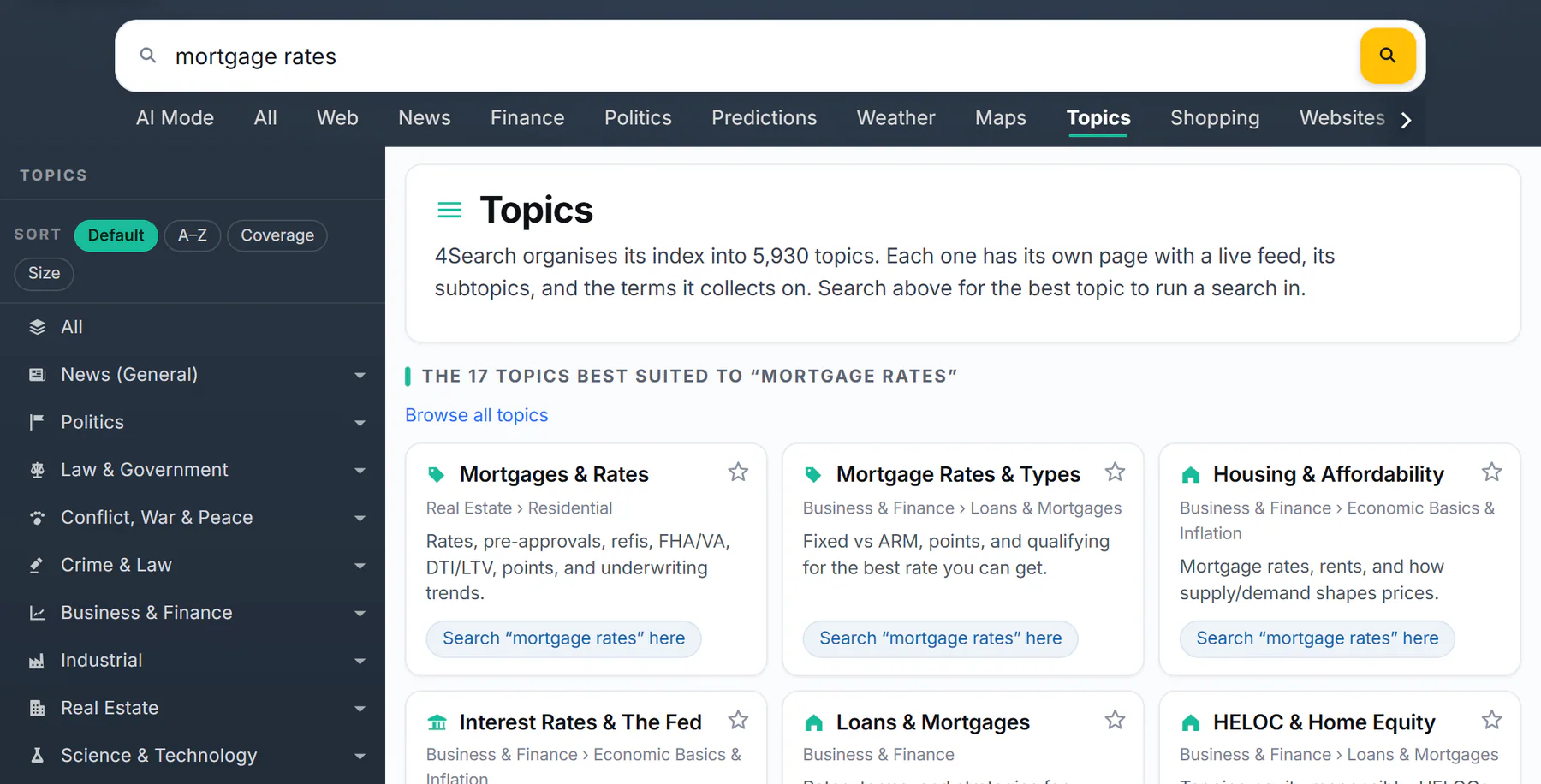
The topics best suited to mortgage rates.
- 1The words you typed
- 2The topics that fit them best
- 3Where the topic sits
- 4Search your words inside this topic
- 5Back to the whole list
-
Select a card to open the topic's page, or select Search “...” here to run your words inside that topic on the News tab.
-
Browse all topics takes you back to the full directory.
The finder matches your words against the topics' names, descriptions and the terms they collect on, and it also looks for topics that mean the same thing, so a topic can be suggested even when its name does not contain your words. It shows up to 30 topics. If nothing matches, try a single broader word.
#Your topics, inside a search
If you follow topics, a search on the Topics page shows Search in your topics: one button per followed topic, each running your words inside it.
#Common questions
Why does the finder suggest a topic that does not contain my words?
It also matches by meaning. A search for mortgage rates suggests Interest Rates & The Fed, for example, because the two subjects are closely related. The topic's description tells you whether it fits.
Is the Topics tab on every site?
It is on every site that has topics. Each site's directory lists its own topics.
Does the finder search articles?
No, it finds topics. To search articles, use Search “...” here on a card, or the News tab.